
Master panel
Master panel drives everything and should be expanded with additional panels
The master panel is the digital brain, the head and soul of the Segment Controller ecosystem. With the help of a fast, 32-bit dual-core processor, it can precisely time or even randomly switch the panels connected to it. You can choose from several panels, some of which you can connect more than one. The master automatically recognizes which panels you have added and can manage them.
Each additional panel has its own firmware, runs its own code, and performs the task assigned to it. The Master Panel, with its timing and settings, sends simple commands to them via the bus system, which also supplies them with power. The output panels execute commands, the input panels examine the inputs and send reports.
Both the Master and the additional panels are microcontrollers: practically minicomputers, but the software running on them starts up very quickly (20-70 msec). They are just like a digital washing machine or TV remote control.
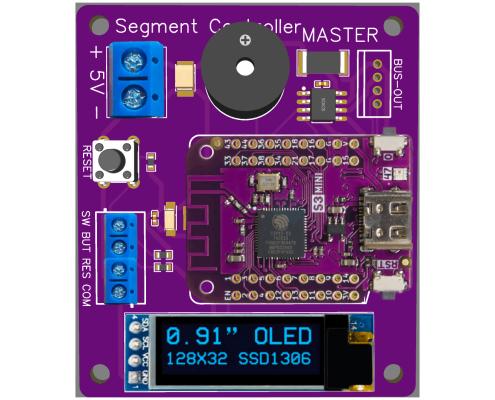
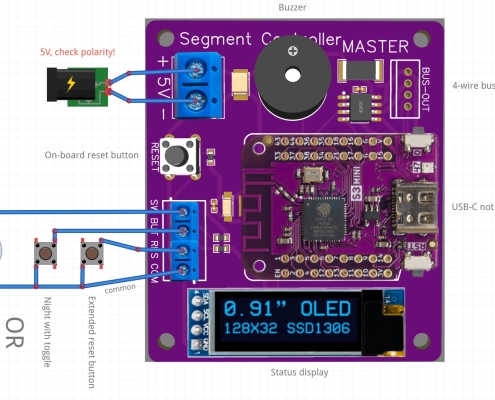
You can access the master panel and expansion modules on a web interface, and can connect to it from a desktop computer, tablet or phone browser. Router is not needed (and no internet access either), you can easily connect directly to the hotspot of the master panel.
Of course, you don’t need any direct cable connection to change settings, you can place the panels and completely hide them under the model train table. Just use the web interface when changing the settings, you don’t need to be connected for the continuous operation.
Technical specification
Each panel is the result of precise engineering design. The panels are manufactured in large quantities in a quality PCB manufacturing factory. We then finalize, test, and package these in our own lab, ready for delivery. We manufacture our products mostly in European factories, and we source our components through European commercial channels.
- MicrocontrollerEsp32 S3
- CPUXtensa® 32-bit LX7
- Coresdual core
- Speed240 MHz
- WiFi2.4GHz 802.11b/g/n
- Consumption70-110 mA
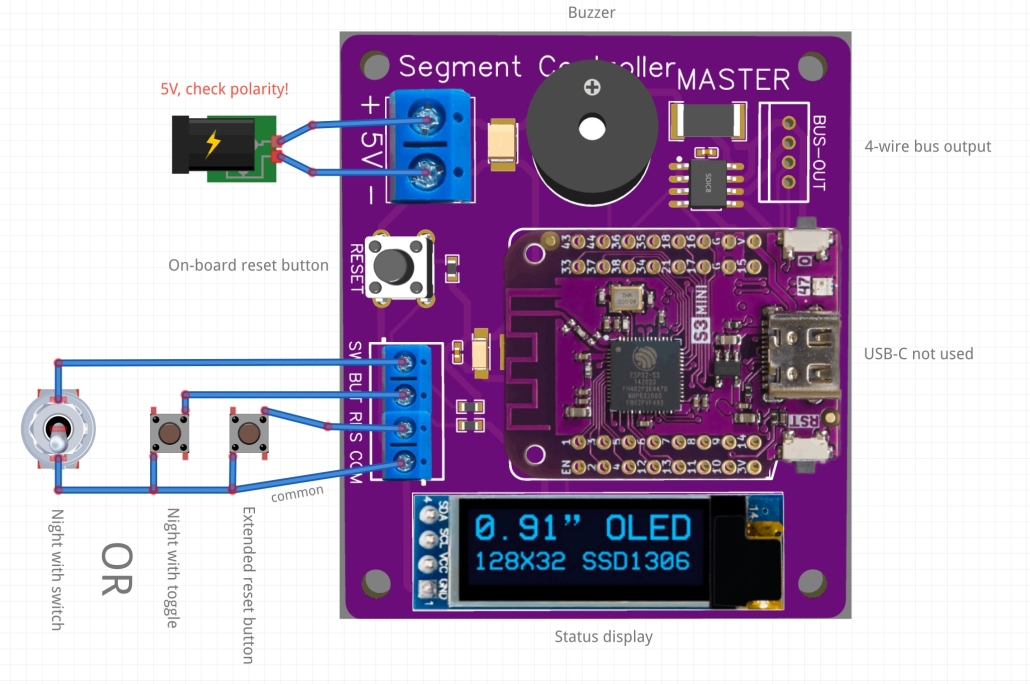
Wiring
How to properly connect the panel?
Firmware
The software running on the Master panel is constantly being updated and improved. You can download the latest version here and upload with web interface.

Upload via USB cable
If the firmware update failed and the Master Panel cannot start, use a USB data cable and use the button below to connect to the device and then upload the firmware to it. (This method is a last resort, all settings will be deleted!)

